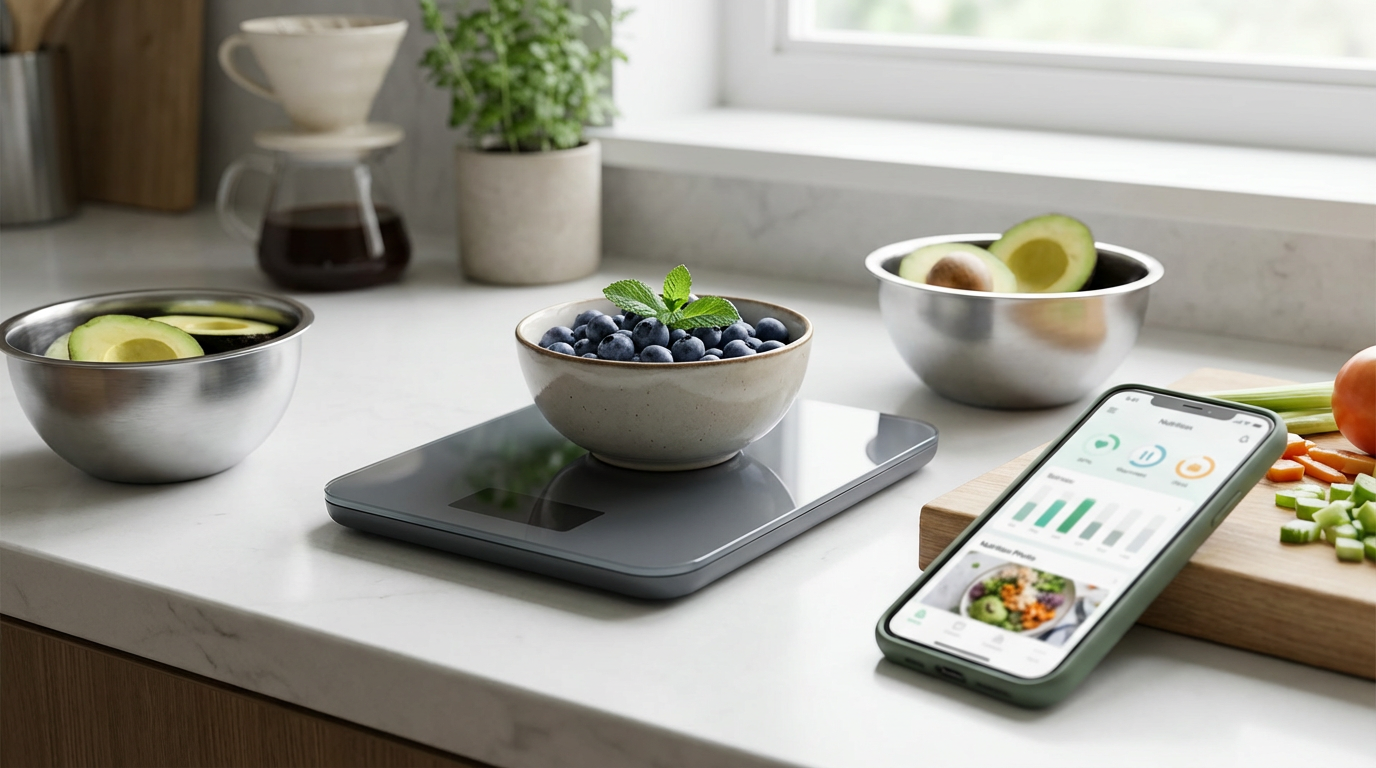
Best Bluetooth Food Scale: Beyond Accuracy Comparison
Best Bluetooth Food Scale: What to Compare Beyond Just Accuracy
You've probably been there. Standing in your kitchen, manually entering "chicken breast, 4.2 oz" into your calorie tracking app for the hundredth time this month. Then realizing you forgot to account for the cooking oil. Again.
The best Bluetooth food scale promises to solve this headache by automatically syncing weight data to your phone. But here's what most buyers miss: accuracy isn't the only thing that matters. A scale that's precise to the gram but takes 10 seconds to connect, or pairs with a terrible app, will end up gathering dust in your drawer.
Let's dig into what actually makes a Bluetooth food scale worth your money—and your counter space.
Why Bluetooth Scales Beat Traditional Kitchen Scales
Bluetooth connectivity transforms a simple kitchen tool into part of your nutrition tracking system. Instead of weighing food, then manually typing weights into separate apps, you get seamless data flow from scale to smartphone.
This matters more than you might think. Research shows that people who consistently track their food intake are significantly more successful at weight management. But consistency is the key word here—and manual logging is where most people give up.
A good Bluetooth scale eliminates the friction between weighing and logging. Weigh your oats, and the data appears instantly in your nutrition app. No typing. No forgetting. No excuses.
Essential Features That Matter More Than Perfect Accuracy
Connection Speed and Reliability
Here's a reality check: a scale that's accurate to 0.1 grams is useless if it takes 15 seconds to connect to your phone every time.
The best Bluetooth food scale features include instant pairing and consistent connectivity. Look for scales that connect within 2-3 seconds of turning on. Some budget models require you to manually reconnect through your phone's Bluetooth settings each time—avoid these.
Connection range matters too. You should be able to step a few feet away from the scale without losing the signal. Premium models maintain stable connections up to 10 feet away.
Battery Life That Actually Makes Sense
Nothing kills the convenience factor like a dead battery mid-meal prep. The best models run for 6-12 months on standard AA or AAA batteries with regular use.
Some scales use rechargeable batteries, which sounds convenient until you're stuck with a dead scale and a USB cable that's somehow always in another room. Replaceable batteries win here for most users.
Watch out for scales that drain batteries even when "off." Poor Bluetooth implementation can cause continuous power draw. Check reviews for real-world battery performance, not just manufacturer claims.
App Quality and Integration
This is where many Bluetooth scales fall apart. The hardware might be solid, but the companion app feels like it was designed in 2015 and never updated.
A quality app should:
- Load quickly and stay responsive
- Sync data to popular nutrition apps like MyFitnessPal or Cronometer
- Store your data in the cloud, not just locally
- Work reliably without constant crashes
Some scales force you to use their proprietary app exclusively. This becomes a problem if the app lacks features you need or the company stops supporting it.
Understanding Latency and Accuracy of Bluetooth Scales
Accuracy gets all the attention, but latency—the delay between placing food on the scale and seeing the reading—affects your daily experience more.
Most quality scales are accurate within 1-2 grams, which is plenty for nutrition tracking. The difference between 142g and 144g of chicken breast is negligible for your macros. But waiting 5-10 seconds for each reading adds up when you're weighing multiple ingredients.
The latency and accuracy of Bluetooth scales work together. Fast readings don't help if they're wildly inconsistent. Look for scales that deliver stable readings within 2-3 seconds of placing food on the platform.
Some scales show weight instantly but take additional time to transmit data to your phone. This creates a frustrating disconnect between what you see on the scale display and what appears in your app.
How to Connect Food Scale to Phone: Setup That Actually Works
The initial setup process reveals a lot about how well a scale will work long-term. Here's what to expect from quality models:
First-time pairing should take under 60 seconds. Download the app, turn on the scale, and follow the pairing prompts. Avoid scales that require complex WiFi setup or account creation before you can weigh anything.
Daily use should be even simpler. Turn on the scale, and it automatically connects to your phone within seconds. No manual Bluetooth pairing, no app crashes, no "device not found" errors.
To connect food scale to phone reliably:
- Keep your phone within 5 feet during initial setup
- Close other apps that might interfere with Bluetooth
- Ensure your phone's Bluetooth is on before turning on the scale
- Update the scale's app before first use
Some users struggle with connection issues because they try to pair the scale through their phone's general Bluetooth settings instead of the companion app. Always use the app's pairing process.
Smart Kitchen Devices: How Scales Fit Your Tech Stack
Bluetooth scales work best as part of a connected kitchen ecosystem, not isolated gadgets. The most useful smart kitchen devices share data seamlessly.
If you already use nutrition tracking apps, prioritize scales that integrate directly. Some models sync with 5+ popular apps automatically. Others require manual data export or only work with their proprietary software.
Consider your existing habits too. If you meal prep on Sundays, a scale that can store multiple recipes and portion sizes saves significant time. If you track macros daily, real-time sync to your nutrition app matters more than recipe storage.
Cloud sync becomes crucial if you switch phones frequently or want to access your data from multiple devices. Local-only storage means losing your history if the app gets deleted or your phone breaks.
Common Mistakes When Choosing Bluetooth Food Scales
Focusing Only on Precision
Many buyers obsess over scales that measure to 0.1g precision. For nutrition tracking, this level of accuracy is overkill and often comes with trade-offs like slower readings or higher prices.
A scale accurate to 1-2 grams handles 99% of cooking and tracking needs perfectly. Save the ultra-precise scales for baking or chemistry.
Ignoring Platform Size
Small platforms look sleek but become frustrating when you're weighing bowls, plates, or large ingredients. A 6-8 inch platform accommodates most kitchen tasks comfortably.
Some compact scales can't handle the weight of heavier bowls plus ingredients. Check the maximum weight capacity—at least 11 pounds (5kg) covers most scenarios.
Assuming All Apps Are Equal
The companion app makes or breaks the experience. Before buying, download the app and read recent reviews. Apps that haven't been updated in months often have compatibility issues with newer phones.
Look for apps with active development, regular updates, and responsive customer support. A great scale with a terrible app is just an expensive paperweight.
Real-World Example: Morning Oatmeal Routine
Here's how a quality Bluetooth scale changes your routine:
Without Bluetooth: Place bowl on scale. Zero it out. Add oats, note the weight. Open nutrition app. Search for "rolled oats." Enter 45g. Add blueberries, weigh again. Calculate net weight (67g total minus 45g oats = 22g berries). Search for blueberries. Enter 22g. Add protein powder, repeat the process.
Total time: 3-4 minutes of active logging.
With Bluetooth: Place bowl on scale. Add oats—weight appears automatically in your nutrition app. Add blueberries—new weight syncs instantly. Add protein powder—data updates in real-time.
Total time: 30 seconds of actual interaction with apps.
This time savings compounds across every meal and snack. Over a week, you save 20-30 minutes of manual logging time.
Why Qalzy Takes a Different Approach
Most Bluetooth scales simply transmit weight data to generic tracking apps, leaving you to manually identify ingredients and calculate nutrition. Qalzy's AI-powered approach goes several steps further.
When you place food on Qalzy's scale, the integrated AI identifies what you're weighing and automatically calculates calories and macros. No searching through ingredient databases. No manual entries. The system learns your eating patterns and gets smarter over time.
This addresses the biggest weakness in traditional Bluetooth scale workflows: they still require significant manual input to be useful. Qalzy's smart recognition turns weighing into true one-step tracking.
For people serious about macro tracking but tired of tedious logging, this represents a genuine leap forward in kitchen technology.
Making Your Decision: What Matters Most
The best Bluetooth food scale for you depends on your specific needs:
For basic calorie tracking: Prioritize reliable connectivity and broad app compatibility over ultra-high precision.
For serious macro tracking: Look for scales with fast, accurate readings and seamless integration with your preferred nutrition app.
For meal prep enthusiasts: Consider models with recipe storage, portion calculation, and the ability to weigh multiple ingredients in sequence.
For tech-forward users: Explore AI-enhanced options like Qalzy that combine weighing with automatic food recognition.
Don't get caught up in feature lists that sound impressive but don't match your actual cooking habits. A simple, reliable scale that you use daily beats a feature-packed model that frustrates you into abandoning it.
The Bottom Line on Smart Scales
Accuracy matters, but it's table stakes. Every decent Bluetooth scale weighs food accurately enough for nutrition tracking. The real differences lie in connection reliability, app quality, and how well the scale fits into your existing routines.
The best models disappear into your workflow. You weigh food, data appears in your tracking app, and you move on with cooking. No friction, no delays, no frustration.
As smart kitchen technology evolves, we're moving beyond simple data transmission toward intelligent food recognition and automated tracking. Tools like Qalzy represent this next generation—where weighing food becomes truly effortless nutrition tracking.
Whether you choose a traditional Bluetooth scale or an AI-enhanced system, the key is consistent use. The scale that helps you track nutrition consistently is infinitely better than the one sitting unused in your drawer.
Frequently Asked Questions
Q: How accurate do Bluetooth food scales need to be for calorie tracking?
A: Accuracy within 1-2 grams is sufficient for nutrition tracking. Ultra-precise scales (0.1g accuracy) are overkill for most users and often sacrifice speed for precision.
Q: Can I use a Bluetooth scale with multiple nutrition apps?
A: This depends on the scale model. Some sync with 5+ popular apps automatically, while others only work with their proprietary software. Check compatibility before buying.
Q: Do Bluetooth scales work without an internet connection?
A: Most scales connect directly to your phone via Bluetooth, so internet isn't required for basic weighing. However, syncing data to cloud-based nutrition apps does require internet access.
Q: How long do batteries typically last in Bluetooth food scales?
A: Quality models run 6-12 months on standard AA/AAA batteries with regular use. Avoid scales with poor Bluetooth implementation that drain batteries even when "off."
Q: What's the difference between Bluetooth and WiFi food scales?
A: Bluetooth scales connect directly to your phone and work anywhere. WiFi scales connect to your home network and can sync data even when your phone isn't nearby, but they're more complex to set up.
Q: Are expensive Bluetooth scales worth the extra cost?
A: Premium models typically offer better build quality, faster connections, and superior apps. However, mid-range options often provide 90% of the functionality at half the price. Focus on features you'll actually use.